

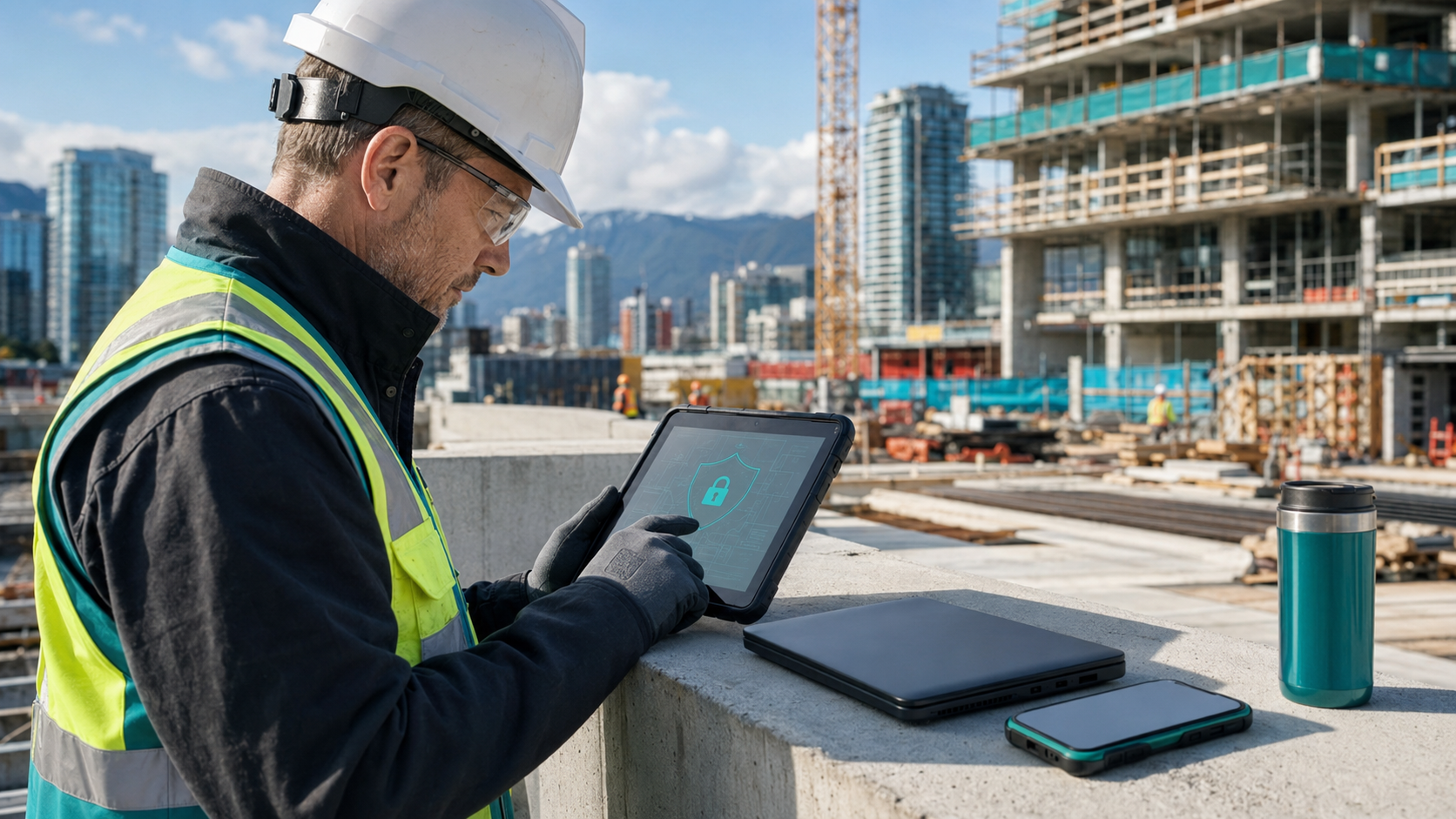
Protecting Project Files and Jobsite Devices
Protecting project files and jobsite devices is essential for construction companies whose teams move between offices, vehicles and active sites. Drawings, estimates, contracts, photos and schedules are now routinely accessed from laptops, tablets and phones. Without consistent controls, a lost device or shared link can expose valuable business information.
Know where project information is stored
Start by identifying where employees and subcontractors save files. Important documents should be kept in approved company systems rather than personal email, consumer storage or local device folders. A defined structure in Microsoft Teams, SharePoint or another managed platform makes permissions, retention and backup easier to control.
Our guide to Microsoft 365 security for construction and field teams covers the identity and sharing controls behind secure collaboration.
Encrypt every portable device
Laptops, tablets and phones should use full-device encryption, strong screen locks and automatic lock timeouts. Encryption helps protect stored information if equipment is lost or stolen. Recovery keys should be retained securely by the company rather than depending on an individual employee.
Manage devices centrally
Mobile device management allows a company to apply minimum security standards, verify compliance and remove business data when a device is lost or a worker leaves. It can also separate company information from personal content when an approved bring-your-own-device policy is used.
Devices that cannot meet the company standard should not receive unrestricted access to sensitive project systems.
Control sharing with subcontractors
External collaborators should receive access only to the project folders they need. Use named accounts instead of shared passwords, set expiration dates on external links and review access at project milestones. When work ends, remove permissions promptly.
These steps reduce the vendor and credential risks described in Cybersecurity Risks Facing Vancouver Construction Companies.
Secure jobsite connectivity
Public Wi-Fi and temporary networks may not provide the protection expected in a permanent office. Field teams should use trusted cellular connections, managed hotspots or an approved secure connection when reaching business systems. Network equipment installed at longer-term sites should have changed default credentials, current firmware and separate access for guests.
Keep devices patched and monitored
Operating systems, browsers and business applications require timely updates. Centrally managed endpoint protection can identify malware and suspicious activity while giving the IT team visibility into device health. Users should not operate with local administrator privileges unless there is a documented need.
Plan for loss, damage and offline work
Construction equipment is exposed to theft, dust, moisture and physical damage. Critical information should not exist only on one field device. Approved cloud synchronization and protected backups keep current information available while supporting recovery after an incident.
Read Backup and Disaster Recovery for Construction Firms for practical recovery planning.
Jobsite device security checklist
- Use individual accounts and multi-factor authentication
- Encrypt laptops, tablets and phones
- Apply screen-lock and update policies
- Manage approved devices centrally
- Restrict external sharing and expire links
- Remove access when projects or employment end
- Back up important cloud and business data
- Document how lost devices must be reported
Support secure field operations
SOS Computer Experts provides construction IT support, managed IT services, cybersecurity solutions and backup solutions. Greater Vancouver companies can also review our managed IT services in Vancouver.
For budgeting and growth planning, see Managed IT Costs for Growing Construction Companies.
Contact SOS Computer Experts to arrange a construction IT assessment.