

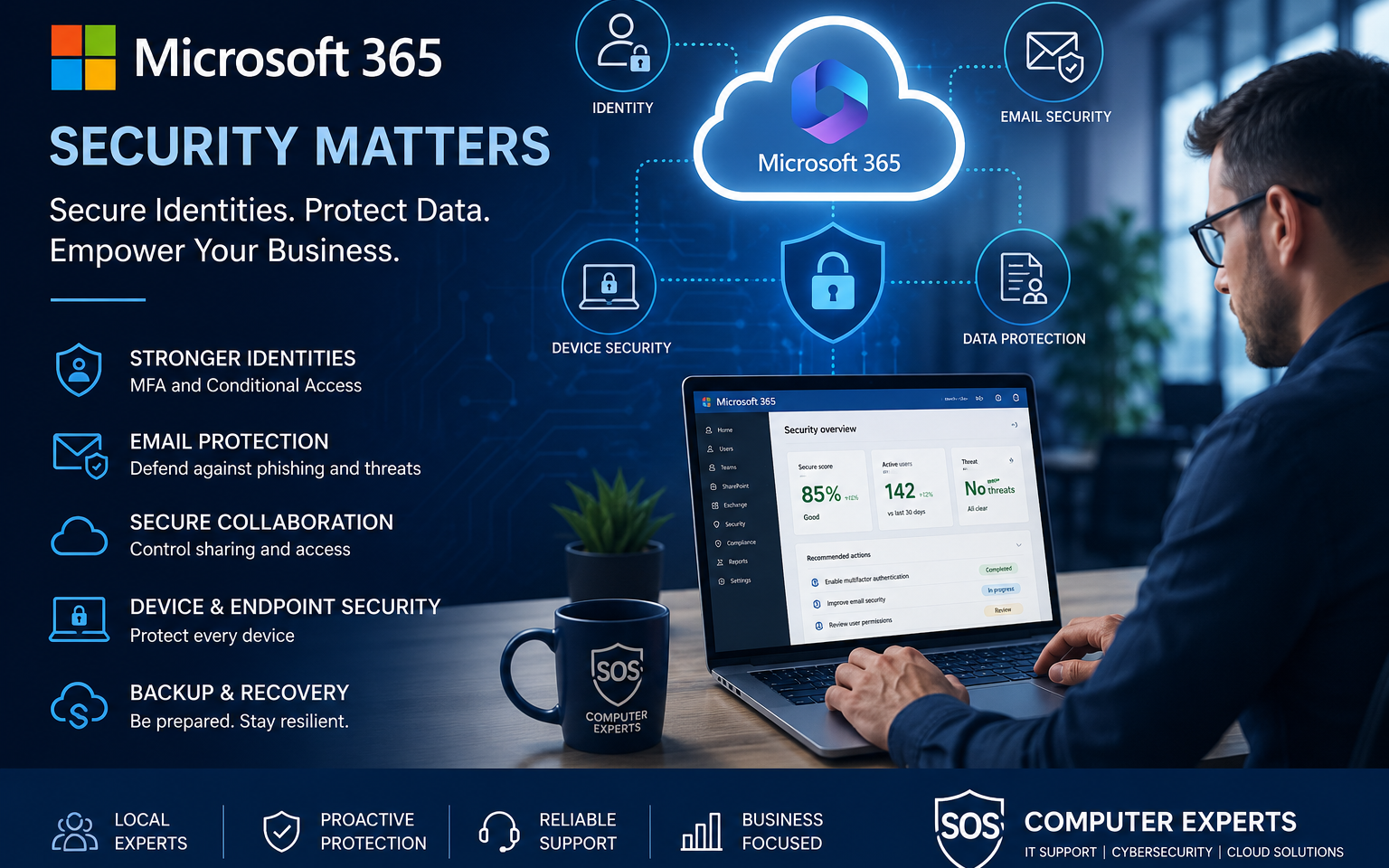
Microsoft 365 Security Hardening for Small Businesses: Where to Start
Microsoft 365 Security Hardening for Small Businesses: Where to Start
Microsoft 365 is one of the most important business platforms in use today. It powers email, file storage, Teams collaboration, identity, device access, and day-to-day communication for countless organizations.
But simply having Microsoft 365 does not mean the environment is secure.
Many small businesses in Vancouver and beyond are using Microsoft 365 with default settings, partial security controls, or inconsistent administration. That creates unnecessary risk, especially as phishing, credential theft, and business email compromise continue to target smaller organizations.
The good news is that Microsoft 365 security hardening does not need to start with a massive project. It starts with the basics done properly.
What security hardening actually means
Security hardening means reducing avoidable risk by tightening settings, strengthening controls, and making the environment harder to misuse or compromise.
In Microsoft 365, that usually includes:
- securing user identities
- protecting email
- enforcing MFA
- improving device and access controls
- reducing unnecessary permissions
- improving visibility and recovery readiness
For small businesses, the goal is not complexity. It is practical protection.
Step 1: Turn on and enforce MFA
If there is one place to start, it is multi-factor authentication.
Passwords alone are no longer enough. Even strong passwords can be stolen through phishing, reused from other breaches, or guessed through weak practices.
MFA adds an important layer of protection and can stop many common account-compromise scenarios before they become serious incidents.
However, enabling MFA for only a few users is not enough. It should be enforced properly across the organization, with exceptions controlled carefully.
Step 2: Review admin accounts and privileged access
Not every user should have elevated permissions.
Many small businesses end up with too many admin-level accounts or long-forgotten privileged access. That creates avoidable exposure.
A proper review should identify:
- who has admin rights
- which admin roles are actually needed
- whether shared admin accounts exist
- whether former staff or vendors still have access
Admin access should be limited, intentional, and monitored.
Step 3: Improve email security
Email remains one of the biggest attack vectors for small businesses.
Microsoft 365 hardening should include stronger email protections such as:
- anti-phishing policies
- anti-malware policies
- safer attachment and link handling
- proper SPF, DKIM, and DMARC alignment
- review of forwarding rules and suspicious mailbox behavior
Many business email compromises begin with weak email controls, not advanced hacking.
Step 4: Tighten user access and sign-in controls
User identity is at the center of Microsoft 365 security.
A hardened environment should review:
- user sign-in methods
- legacy authentication usage
- conditional access where available
- access from unmanaged devices
- geographic and risk-based sign-in controls
Small businesses do not always need enterprise complexity, but they do need a clear access policy that matches how staff actually work.
Step 5: Review sharing and file access
OneDrive, SharePoint, and Teams can make collaboration easier, but weak sharing settings can expose sensitive business data.
Key areas to review include:
- external sharing settings
- anonymous links
- guest access
- stale or overly broad permissions
- data handling for sensitive departments
The goal is to support collaboration without losing visibility and control.
Step 6: Secure endpoints, not just accounts
Microsoft 365 security is closely tied to the devices people use to access it.
Even if the cloud environment is configured properly, unmanaged laptops or poorly secured endpoints can still create major risk.
Small businesses should review:
- device compliance
- endpoint protection
- operating system updates
- disk encryption
- user privilege levels
- remote access methods
Identity and device security should work together.
Step 7: Make sure backup and recovery are part of the plan
Many businesses assume Microsoft 365 alone is enough for data protection. It is not.
Security hardening should also include:
- backup for Exchange Online
- backup for OneDrive and SharePoint
- restore testing
- recovery planning for accidental deletion, compromise, or ransomware scenarios
A secure environment is not just one that avoids incidents. It is one that can recover from them.
Common signs your Microsoft 365 environment needs hardening
You may need a Microsoft 365 security review if:
- MFA is inconsistent or missing
- admin access has not been reviewed in years
- email security is unclear
- device access is loosely controlled
- external sharing is poorly managed
- no one is confident how recovery would work after a compromise
These are very common issues, especially in growing businesses.
Final thoughts
Microsoft 365 can be a strong and secure business platform, but only if it is configured and managed properly.
For small businesses, security hardening does not need to begin with advanced tools or massive change. It starts with the basics: identities, email, access, endpoints, and recovery readiness.
At SOS Computer Experts, we help businesses review, secure, and improve their Microsoft 365 environments with practical hardening steps that reduce risk without overcomplicating operations.
If you need help, contact our team for a free 15-minute baseline assessment.
FAQ
What is Microsoft 365 security hardening?
It is the process of improving the security of Microsoft 365 by tightening configurations, strengthening identity controls, improving email protection, and reducing avoidable risk.
Is MFA enough to secure Microsoft 365?
No. MFA is essential, but it should be combined with email security, access control, endpoint protection, and recovery planning.
Do small businesses need Microsoft 365 security hardening?
Yes. Small businesses are frequent targets for phishing and account compromise, and many use Microsoft 365 without fully securing it.
Should Microsoft 365 data be backed up?
Yes. Backup helps protect against accidental deletion, ransomware, user error, and account compromise.