

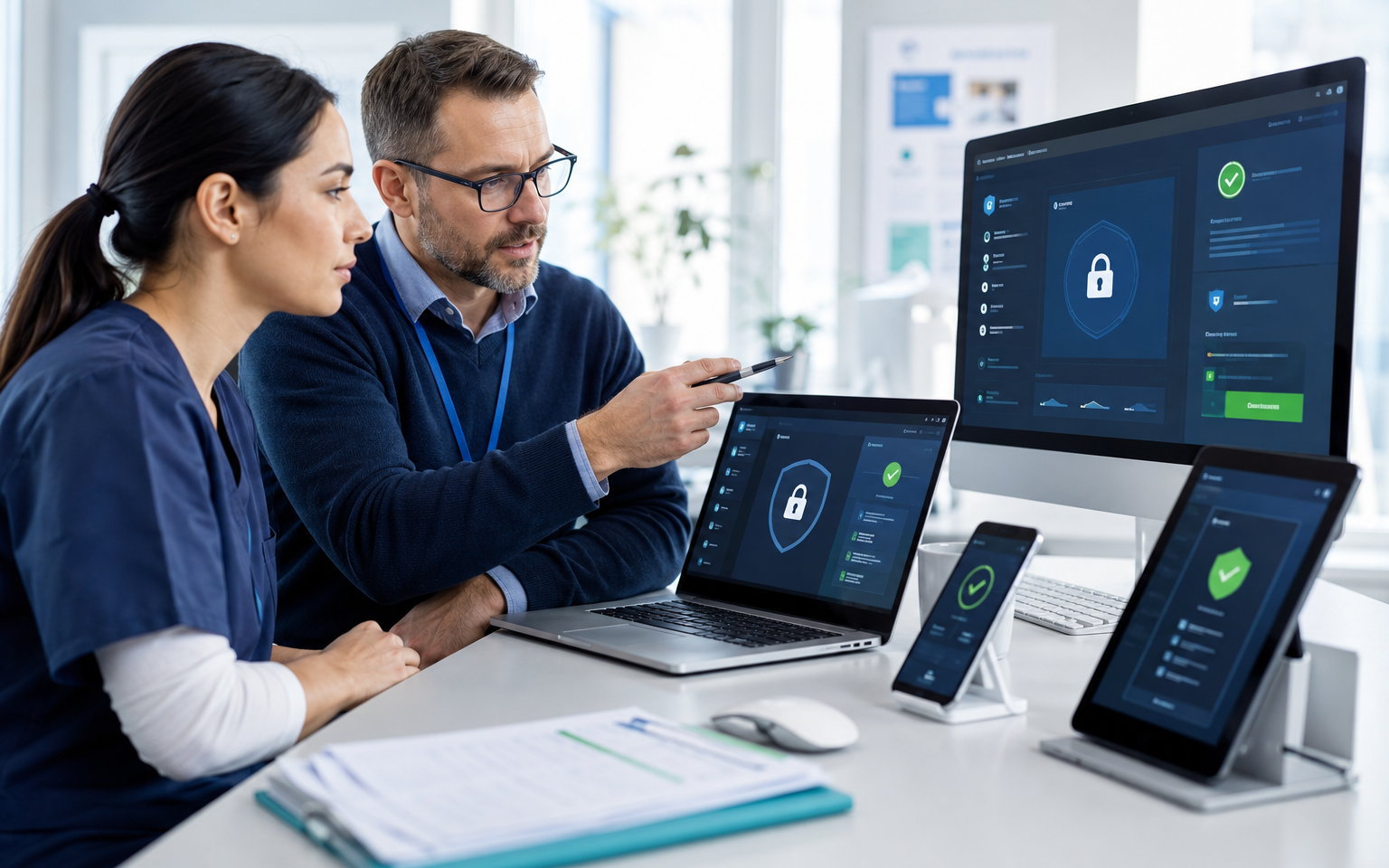
Protecting Patient Data and Clinic Devices
Protecting patient data and clinic devices requires coordinated controls across people, identities, computers, mobile devices, cloud applications, and backups. Healthcare practices handle confidential information throughout the day, and a single unmanaged laptop, shared password, or misplaced device can create a serious privacy and operational incident.
Medical, dental, physiotherapy, optometry, and specialist clinics need security that supports patient care instead of obstructing it. A structured healthcare IT and security program helps practices protect information while keeping systems accessible to authorized staff.
Know where patient information is stored
Patient data may exist in electronic medical record systems, email, Microsoft 365, shared folders, billing applications, imaging platforms, referral portals, scanned documents, laptops, and mobile devices. Clinics should document these locations, identify who has access, and understand which vendors store or process the information.
Unapproved cloud storage, personal email, consumer messaging applications, and ordinary USB drives should not be used for patient information. Clear policies make it easier for staff to choose approved tools and report mistakes quickly.
Give every employee an individual account
Shared usernames make it difficult to determine who accessed or changed information. Every staff member and practitioner should use an individual account with permissions matched to their responsibilities. Reception, billing, clinical, and management teams should receive only the access needed for their work.
Multi-factor authentication should protect Microsoft 365, remote access, clinical applications, and administrator accounts wherever supported. Our guide to Microsoft 365 security for healthcare clinics covers identity, email, sharing, device, and monitoring controls in more detail.
Secure clinic computers and laptops
Every clinic-owned computer should use full-disk encryption, automatic screen locking, supported software, security updates, endpoint detection and response, and controlled administrator privileges. Standard users should not be able to install unapproved software or disable protection.
Laptops require extra care because they can be lost or stolen. Clinics should maintain an accurate equipment inventory and use device management to enforce encryption, configuration standards, and remote data removal. Devices that no longer receive security updates should be replaced or isolated from sensitive systems.
Professional cybersecurity services can combine endpoint protection, monitoring, vulnerability reduction, email security, and incident response planning.
Protect phones, tablets, and removable media
Mobile devices used for clinic work should require strong passcodes, encryption, automatic locking, and current operating-system updates. Business information should be separated from personal data, and access should be removable when a device is lost or an employee leaves.
If removable media is operationally necessary, clinics should use approved encrypted drives and document who is responsible for them. Patient information should never be copied to an unknown or unencrypted device.
Control remote access and vendor connections
Remote work and third-party support should use managed access protected by multi-factor authentication. Vendor accounts should be named, time-limited where possible, and restricted to the systems they support. Access must be removed when a contract ends or the service is no longer required.
Clinics should also review the cybersecurity risks facing Vancouver healthcare clinics, including phishing, ransomware, stolen accounts, and third-party compromise.
Prepare for device loss, ransomware, and outages
Security controls reduce risk, but clinics still need reliable recovery. Important patient and business information should be protected by automated, monitored, and isolated backups. Recovery tests should confirm that systems and files can be restored within an acceptable timeframe.
Our backup and disaster recovery solutions help protect Microsoft 365 data, clinic files, servers, and other critical systems. A documented response plan should also explain who to contact, how to isolate affected devices, and how the clinic will continue essential operations.
Build security into daily clinic operations
Technology works best when responsibilities are clear. New employees should receive secure accounts and approved devices before starting. Departing users should be disabled promptly, sessions revoked, and equipment recovered. Regular reviews should cover inactive accounts, software updates, device compliance, external sharing, and backup status.
SOS Computer Experts provides managed IT services that bring support, monitoring, security, Microsoft 365 administration, and backup oversight into one accountable service. Clinics east of Vancouver can also use our managed IT services in Burnaby for local support.
Schedule a clinic security assessment
SOS Computer Experts supports healthcare practices throughout Greater Vancouver. Contact us to schedule a patient-data and device security assessment for your clinic.